


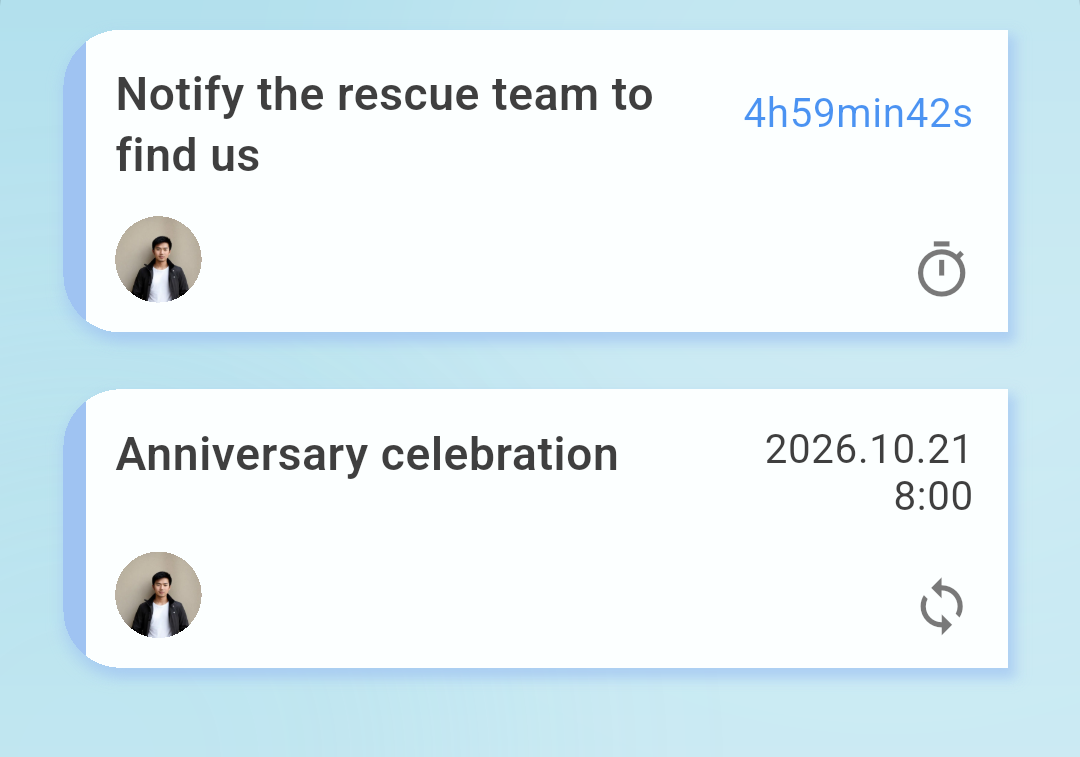
Remind
Set a date, a repeat, or a countdown.

Miss the confirmation, and it forwards to someone you named, or a channel you set up
Remind, confirm, and a backup notice — three steps, nothing missed
Coming soon
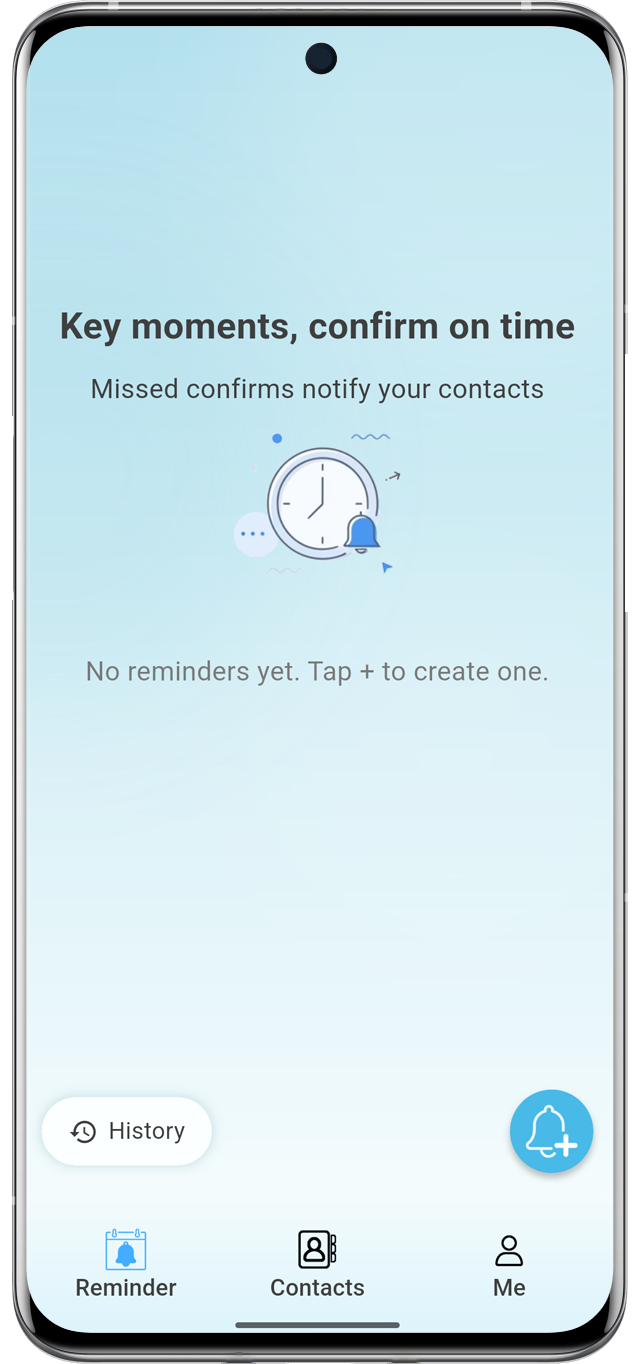
A set time, a repeat, or a countdown. When it's due, it still has to be confirmed.
If it times out, it goes to a contact or a third-party service. One more reply, one less miss.
Set a date, a repeat, or a countdown.
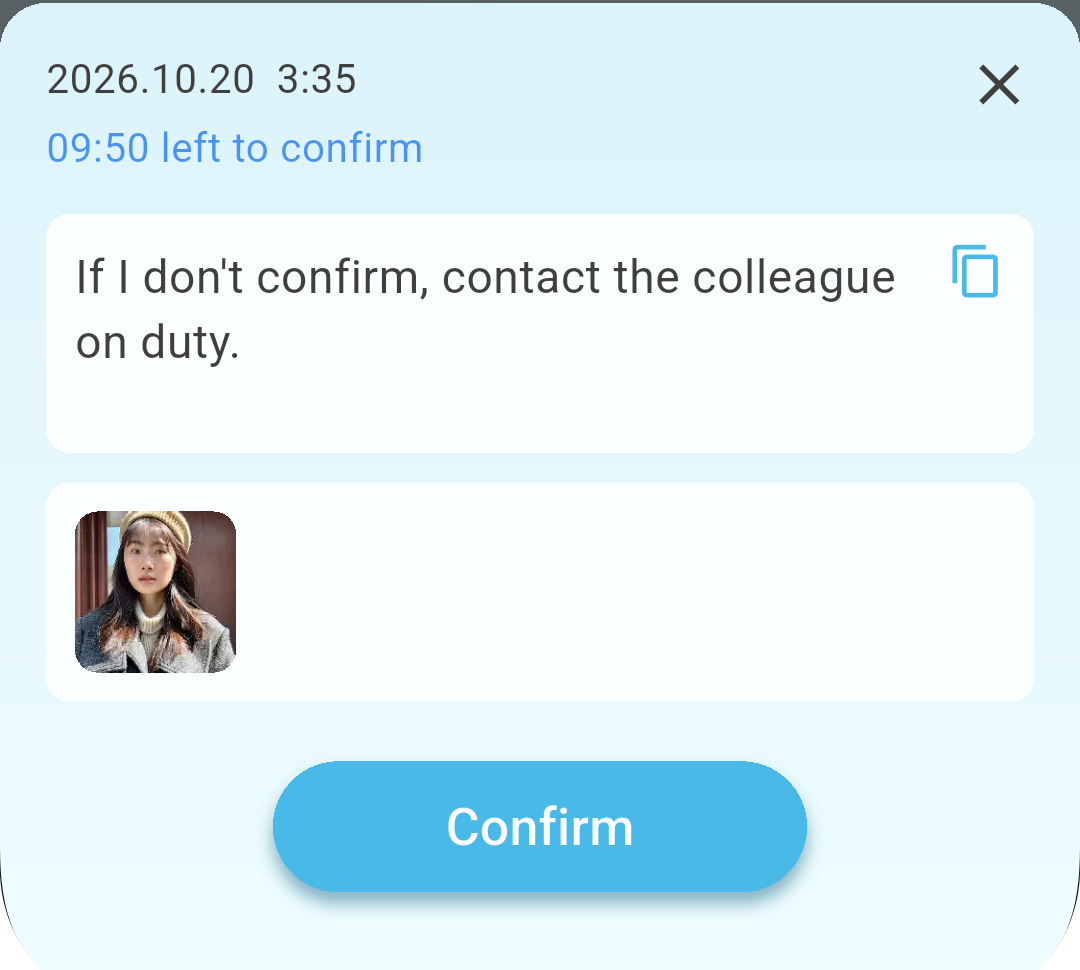
It isn't done until Confirm is pressed. You can also set a confirm password and a duress password.
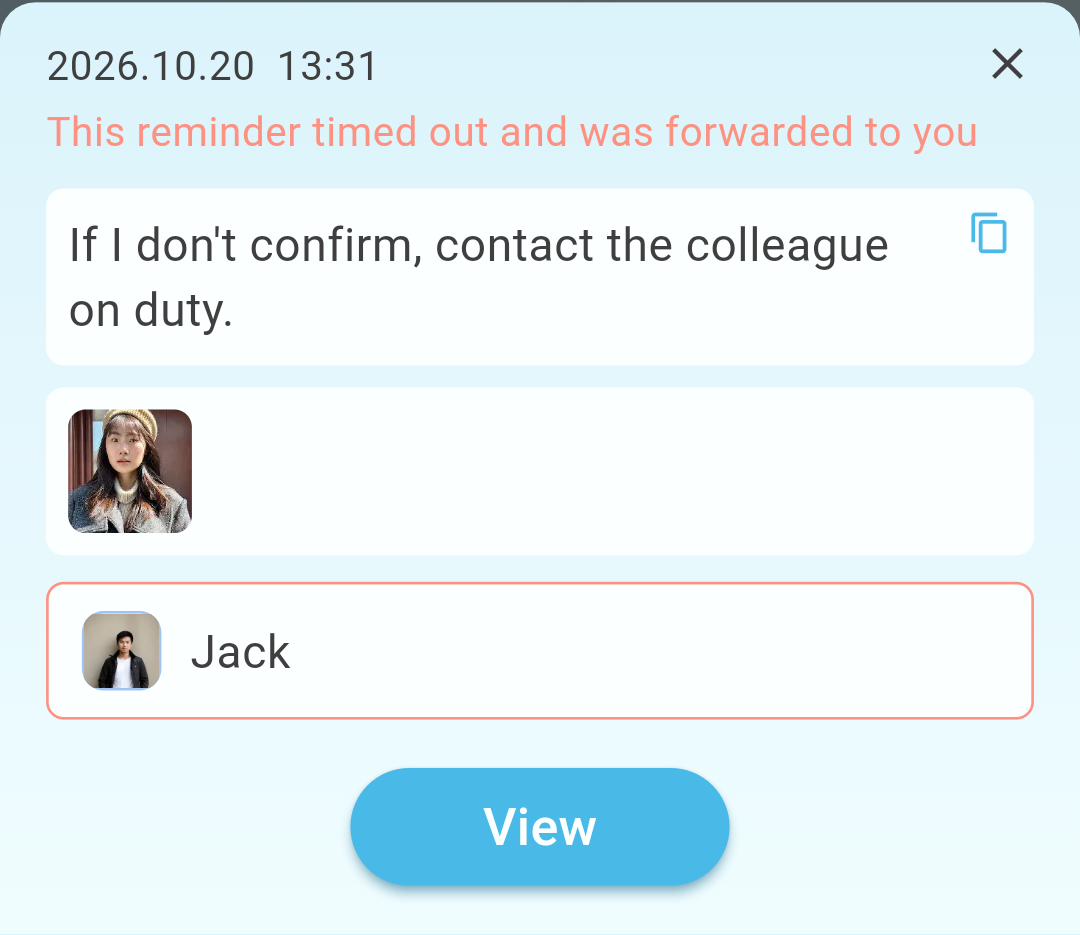
Once confirmation times out, the reminder — text, photo, and link — goes to the contact you chose.
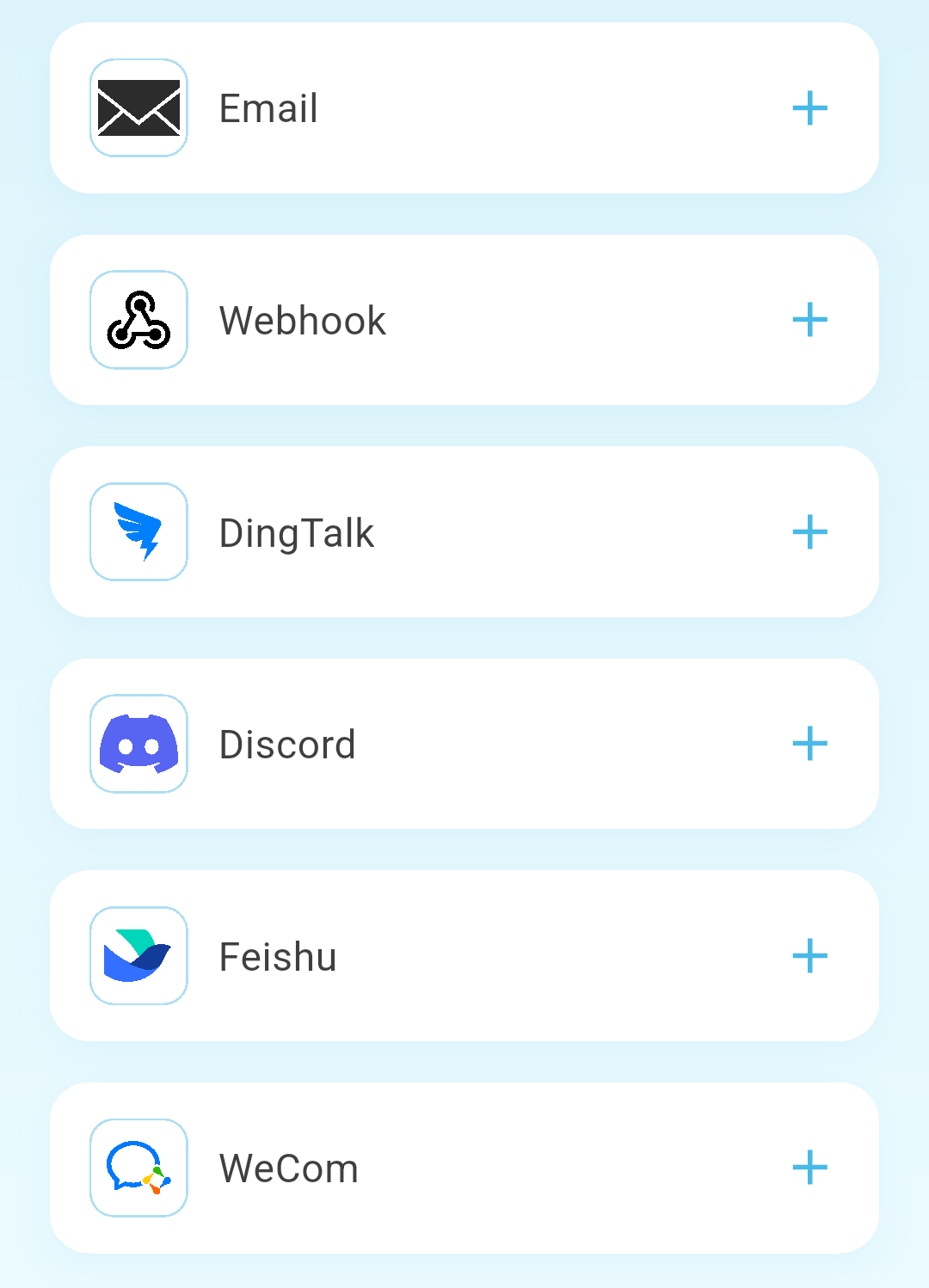
If it stays unconfirmed, forward it to a service outside the app's contacts.
Email, webhooks, and other third-party notices.
If nobody confirms, the message you wrote is forwarded on its own. Here are a few ways to use it.
Meetings, errands, and things that have to get done. Confirm they're finished when the time comes.
If I don't come online, contact my lawyer!
Going out, living alone, or leaving home with someone else. If there's no confirmation, someone close is told.
If you see this, please look after my cat. The door code is 123456. Thank you.
A trip together, a shift, or a shared task. If nobody confirms, it moves to the next person or the whole team.
We went into the mountains. If we're not back by 9 tomorrow, please contact the rescue team. Thank you.